

If you run an ecommerce website, just getting traffic isn’t enough. What really matters is attracting people who are ready to buy. That’s where Google Merchant Center becomes useful.
It allows you to upload your product listings to Google so they can appear directly in shopping results. When someone searches for a product, your item can show up with its image, price, and key details.
Let’s look at how to use it the right way.
Table of Contents
What is Google Merchant Center?
Google Merchant Center is a free tool from Google that helps ecommerce businesses upload and manage their product information so it can appear across Google’s shopping platforms.
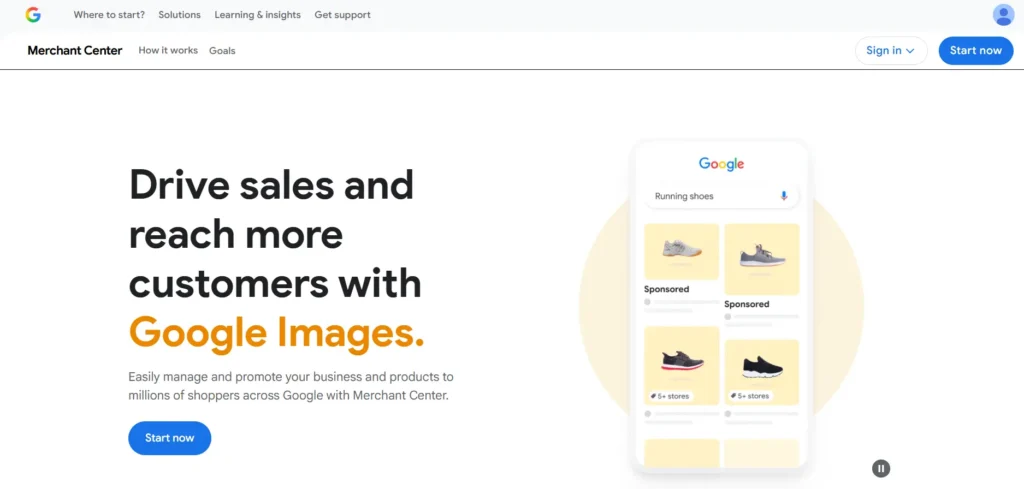
Instead of creating ads for every single product, you upload your product catalog once. After that, Google can use that data to show your products in different places like:
- Google Shopping results
- Product listing ads
- Shopping sections in Google Search
- Google Images
- YouTube shopping features
In simple terms, Google Merchant Center works like the product database behind Google Shopping.
For example, when someone searches for something like “wireless headphones,” Google can display product cards with images, prices, and links to stores right in the search results. Without Merchant Center, Google cannot understand your product catalog.
Why Google Merchant Center is Important for Ecommerce
For ecommerce businesses, visibility is everything.
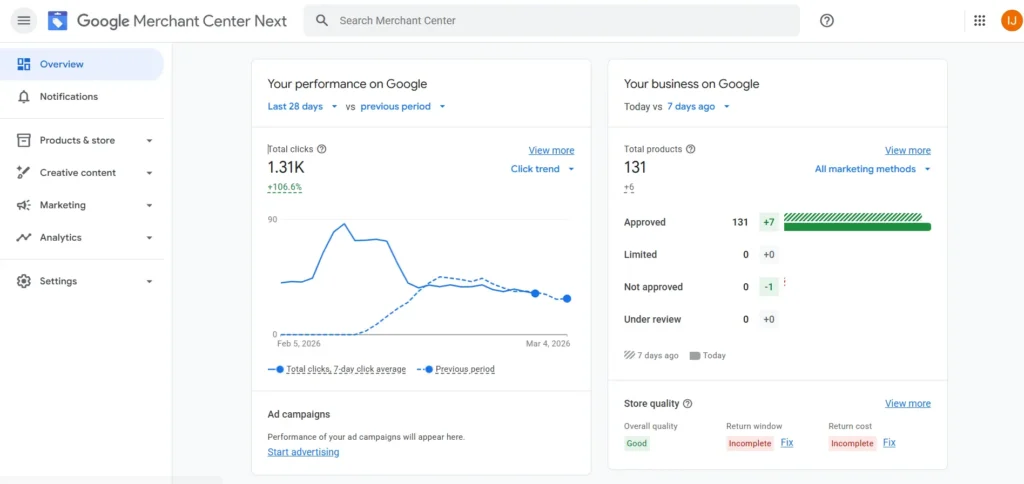
Google Merchant Center helps your products appear directly in front of buyers when they are actively searching.
Here are a few key reasons it matters:
| Aspect | Why It Matters for Ecommerce |
|---|---|
| Product Visibility on Google | Your products can appear in Google Shopping results, which often show above regular search results and get strong visibility. |
| High Purchase Intent Traffic | People searching for specific products are usually already interested in buying, which increases the chances of conversion. |
| Integration With Google Ads | Merchant Center connects with Google Ads, allowing you to run Shopping Ads—one of the most effective ad formats for ecommerce. |
| Free Product Listings | In many regions, Google allows free product listings, which can bring additional organic visibility without ad spend. |
How Google Merchant Center Works
Google Merchant Center works using something called a product feed.
A product feed is simply a file that contains all the key details about your products. This file helps Google understand what you are selling so it can show your products in shopping results.
The product feed usually includes information such as the product title, description, price, availability, product image, brand, category and product link.
Once the feed is uploaded, Google reviews the product data to make sure it follows their policies and guidelines. If everything meets the requirements, the products get approved and become eligible to appear in shopping results.
After approval, Google automatically matches your products with relevant search queries when users search for similar items.
How to Connect Google Merchant Center with an Ecommerce Website
Connecting your ecommerce store is easier than most beginners expect.
Here is the step-by-step process.
Step 1: Create a Merchant Center Account
Start by going to Google Merchant Center and signing in with your Google account. During the setup, you will need to enter basic details about your business such as the business name, country and your website URL. After submitting these details, Google will ask you to verify and claim your website to confirm that the store belongs to you.
Step 2: Verify Your Website
Website verification is required to prove that you own or manage the ecommerce store. Google provides several ways to complete this process. You can verify your site by adding an HTML tag to your website, using Google Analytics, connecting through Google Tag Manager, or uploading an HTML verification file. Once the verification is completed, your website will be officially linked to your Merchant Center account.
Step 3: Upload Your Product Feed
The next step is uploading your product feed. A product feed is a file that contains all the important details about your products, such as title, price, image and availability. This information helps Google understand what you are selling. You can upload product data manually if you have a small store, use a Google Sheets feed to manage products through a spreadsheet, or connect your ecommerce platform. Platforms like Shopify, WooCommerce, and Magento can automatically send product data to the Merchant Center.
Step 4: Connect Google Ads
If you want to run shopping ads, you need to link your Merchant Center account with your Google Ads account. To do this, go to the settings section in Merchant Center and open the “Linked accounts” option. From there, connect your Google Ads account. Once the accounts are connected, you can start creating Shopping campaigns to promote your products on Google.
How to Use Google Merchant Center Effectively
Many beginners only upload products and stop there. To get real results, you should optimize product data.
| Area | What You Should Do | Example / Tip |
|---|---|---|
| Product Titles | Write clear product titles so Google and customers understand the product. Include the brand, product type, and main feature. | Bad: Headphones Better: Sony Noise Cancelling Wireless Headphones WH-1000XM5 |
| Product Images | Use clear and high-quality product images because good images help get more clicks. | Use a white background, high-resolution image, no text on the image, and make sure the product is clearly visible. |
| Product Data Updates | Keep your product information updated in the feed. | Update price, stock availability, and new products regularly. If the price on your site and the feed is different, Google may suspend the product. |
Advantages of Google Merchant Center for Ecommerce
1. Higher Product Visibility
Google Merchant Center helps your products appear directly in Google Shopping results, which increases the chances of customers noticing your products.
2. Better Conversion Rates
Shopping ads show important details like the product image and price. This helps attract people who are already interested in buying.
3. Free Traffic Opportunities
Google also allows free product listings in many regions, which means your products can get visibility even without running paid ads.
4. Strong Integration with Google Tools
Merchant Center works smoothly with other Google tools such as Google Ads, Google Analytics, Google Search, and YouTube Shopping. This makes it easier to manage and promote your products across Google’s ecosystem.
5. Scalable for Large Product Catalogs
Merchant Center can easily handle stores with large product catalogs. Even if you have thousands of products, you can manage and update them efficiently.
Limitations of Google Merchant Center
Even though Google Merchant Center is a powerful tool, it also comes with a few limitations.
1. Strict Product Policies
Google has strict rules for product listings. This includes rules about misleading product information, restricted items, and price mismatches between your website and product feed. If these rules are not followed, Google may suspend the product or even the entire account.
2. Feed Optimization Requires Effort
Uploading products is only the first step. To get better visibility, you need to properly optimize your product data. This includes writing clear titles, detailed descriptions, choosing the correct categories, and using high-quality images.
3. High Competition
Many popular product categories already have a large number of sellers. Because of this competition, businesses need better pricing, good product presentation, and strong branding to stand out.
FAQ’s
1. Is Google Merchant Center free?
Yes, creating a Google Merchant Center account and uploading your products is completely free. However, if you want to promote your products using Shopping Ads, you will need to spend money through Google Ads.
2. Can beginners use Google Merchant Center?
Yes, beginners can also use Google Merchant Center. Many ecommerce platforms like Shopify and WooCommerce offer plugins and integrations that make the setup process much easier.
3. How long does product approval take?
After you submit your product feed, Google usually reviews and approves the products within 24 to 72 hours.
4. Can I sell internationally using Merchant Center?
Yes, Google Merchant Center supports selling in multiple countries and allows businesses to list products in different currencies.
5. What happens if Google disapproves a product?
If a product is disapproved, Google will show the reason inside your Merchant Center account. You can fix the issue and then resubmit the product for review.
Conclusion
Google Merchant Center has become an important tool for ecommerce businesses. It connects your online store with Google’s shopping platforms and helps your products appear in front of potential buyers.
By uploading and managing product data correctly, ecommerce businesses can improve their visibility in search results and reach customers who are already searching for those products.
When Merchant Center is used together with Google Ads and proper product optimization, it can become a strong channel for driving growth and sales for an online store.


0 Comments