

You spent weeks (maybe months) building your website. You picked the perfect design, wrote great content and finally hit publish. Then what? You moved on.
And that’s exactly where the problem starts.
Most small business owners treat their website like a one time project. Build it, launch it, forget it. But here’s the truth. A website is more like a car than a painting. It needs regular servicing. If you ignore it, things start breaking. Slowly at first. Then all at once.
Broken links. Slow loading pages. Outdated plugins with security holes. Visitors bouncing off. Google pushing you down in search results. Revenue slipping through the cracks.
This blog covers everything you need to know about the importance of website maintenance. It is written in plain language with real examples and zero fluff. Whether you are a small business owner, a blogger or someone running a business website, this guide will show you exactly why regular website upkeep matters and what happens when you skip it.
Table of Contents
Quick Overview: Why Website Maintenance Matters
| What Maintenance Covers | What You Get | What Happens If You Ignore It |
|---|---|---|
| Security updates and fixes | Your site stays safe from hackers and viruses | Your site can get hacked or blocked by Google |
| Speed and performance checks | Your site loads fast and feels smooth to use | People leave your site because it feels slow |
| Content and SEO updates | Your site stays fresh and ranks better on Google | Traffic drops and your content looks old |
| Backup and recovery | You can quickly get your site back if something breaks | You can lose all your data if your site crashes |
| Broken link and error fixes | Your site looks clean and works properly | Visitors get annoyed and stop trusting your site |
| Plugin and software updates | Everything runs properly without issues | Your site can break or become unsafe |
| SSL and safety checks | Visitors feel safe using your site | Browser warnings scare people away |
What Is Website Maintenance?
Website maintenance is the continuous process of checking, updating and improving your website so it runs smoothly, stays secure and provides a good experience for visitors. It involves tasks such as updating software, fixing broken links, updating content, monitoring site performance and creating regular backups of your data.
Think of it this way: if your website were a physical store, maintenance would be the daily cleaning, the restocking, the security alarm checks and the fresh coat of paint. You wouldn’t open a store and never clean it. Your website deserves the same attention.
Why Is Website Maintenance Important? (The Real Reasons)
Let’s look beyond the obvious. Most blogs say that maintenance helps keep your website running. That is true, but it is only part of the story. Here is what really matters:
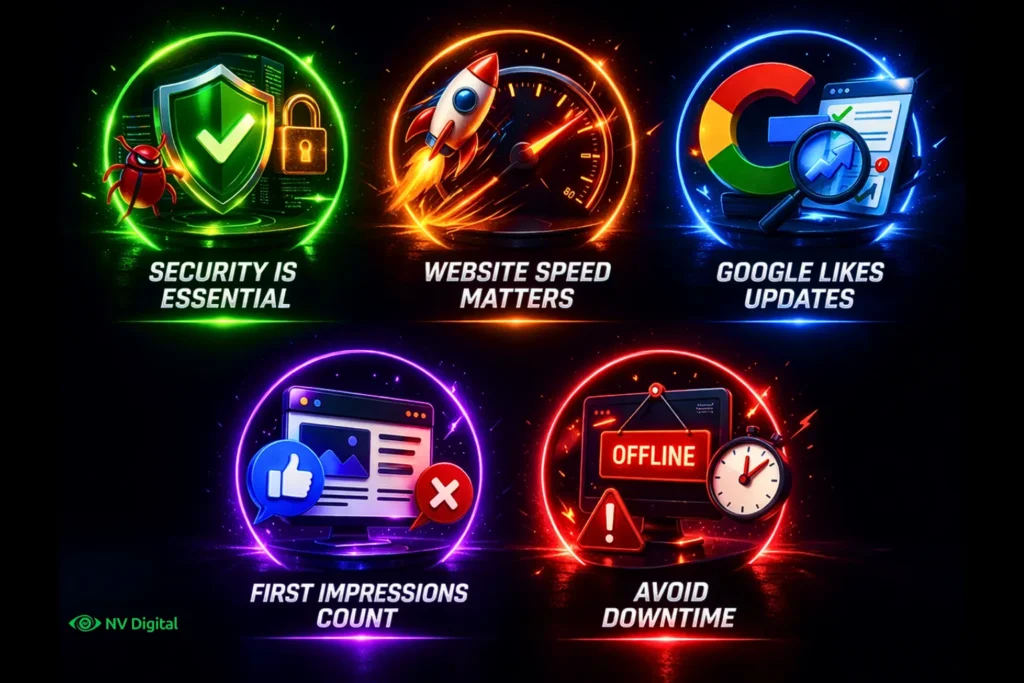
A. Security Is Not Optional. It Is Essential
Cyberattacks do not only target big companies. In fact, more than 40 percent of cyberattacks target small businesses and many of them happen because of outdated website software. For example, a WordPress site with old plugins can easily become a target for hackers.
Website security maintenance means updating software as soon as new patches are released, watching for suspicious activity and keeping a proper backup and recovery plan. If you ignore this, you could wake up one day to a hacked website, stolen customer data or a warning from Google that scares visitors away.
B. Website Speed Can Affect Your Revenue
Website speed has a direct impact on your business. Studies show that even a one second delay in page loading can reduce conversions by around 7 percent. If your website earns ₹10 lakh a year, a small delay like that could cost you around ₹70,000.
This is why website performance optimization is important. Regular maintenance helps identify problems like large images, unnecessary scripts, slow servers or cluttered databases before they start affecting your visitors.
C. Google Prefers Well Maintained Websites
Search engines like Google do more than just read your content. They also evaluate the health and performance of your website. Google uses metrics like Core Web Vitals to measure user experience, page speed and mobile performance.
A website that loads quickly, works well on mobile devices and has no broken links sends positive signals to Google. On the other hand, websites with errors, outdated content and technical issues can slowly drop in search rankings. Regular SEO focused maintenance helps keep your website competitive.
D. First Impressions Build Trust
Visitors form an opinion about a website in less than a second. If they see broken images, links, outdated design or security warnings, they may leave immediately.
Keeping your website updated with fresh content, correct product details and working contact forms shows that your business is active and trustworthy. This is especially important for small businesses trying to compete with larger brands.
E. Website Downtime Can Cost You Customers
When your website goes offline, you lose opportunities. For e commerce businesses, it means lost sales. For service based businesses, it means missed leads and inquiries.
The bigger problem is that many visitors will not return after seeing a broken website. They simply move on to a competitor. Regular maintenance helps detect issues early and prevents unexpected downtime. It is much easier to fix small problems before they turn into major ones.
What Does Website Maintenance Actually Include?
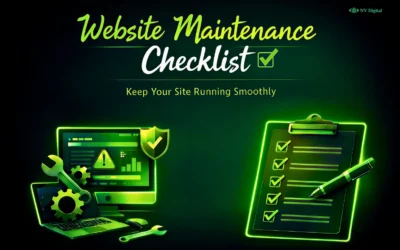
Many blogs make this mistake. They list tasks but do not explain why those tasks are important. Let’s fix that. If you want a simple guide you can follow every month, check out this website maintenance checklist. It explains each task clearly with timelines and priorities.
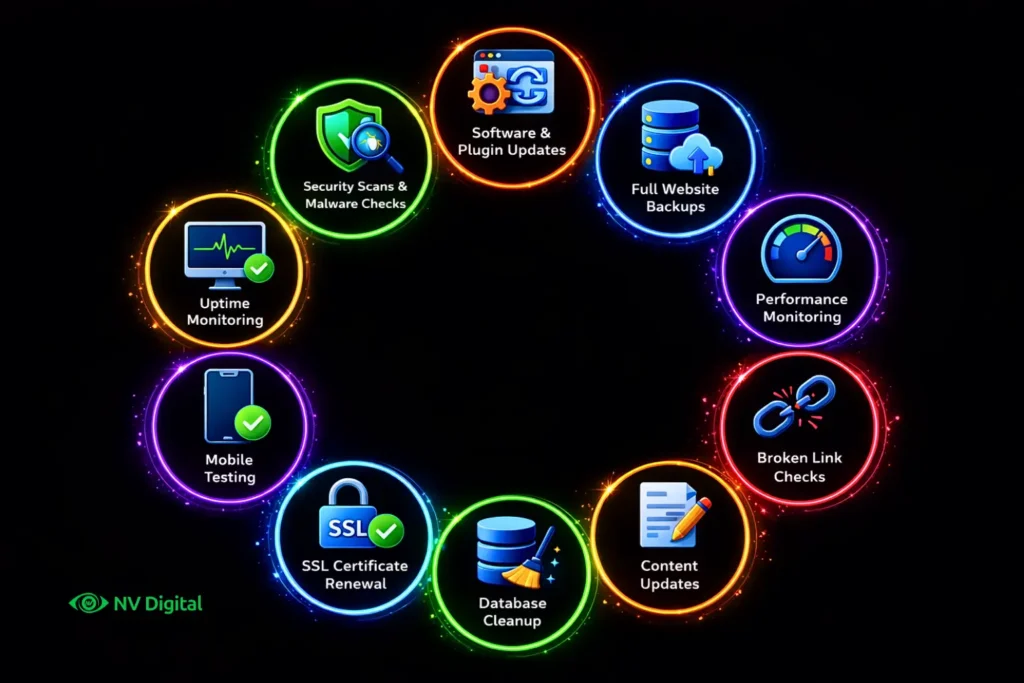
| Task | What to Do |
|---|---|
| Software & Plugin Updates | Keep plugins and software updated to fix bugs and prevent hacks. Do not update everything blindly test changes on a staging site first. |
| Security Scans & Malware Checks | Run weekly scans to catch hidden malware that can steal data or add spam links without you noticing. |
| Full Website Backups | Set up daily backups and store them off site so you can restore your site quickly if something goes wrong. |
| Performance Monitoring | Check load speed server response and Core Web Vitals monthly using tools like PageSpeed Insights or GTmetrix. |
| Broken Link Checks | Run monthly scans to find and fix broken links that hurt user experience and SEO. |
| Content Updates | Refresh old content update stats and remove outdated information to keep your site relevant. |
| Database Cleanup | Remove spam comments old revisions and unused data to keep your site running smoothly. |
| SSL Certificate Renewal | Ensure your SSL is always active. Set auto renewal and check it regularly to avoid browser warnings. |
| Mobile Testing | Test your site on real devices often to catch layout issues caused by updates or changes. |
| Uptime Monitoring | Use tools like UptimeRobot to get alerts if your site goes down so you can fix it quickly. |
Real-World Example for Better Understanding: The $4,000 Lesson

A small bakery in Austin, Texas had a simple WordPress website. It brought about 15–20 online orders every week. The owner didn’t update the website for over a year – no plugin updates, no backups and no security checks.
One day, the website was hacked. The homepage showed gambling ads instead of the bakery site. Soon, Google marked the website as dangerous, so customers stopped visiting it.
There was no recent backup, so the owner had to pay $600 to fix and clean the website.
During the next two months, the bakery lost around $3,000 in online orders. Later, the owner also spent $800 on SEO to bring the website back in Google search.
Total loss: about $4,000+
All this happened because the website was not maintained.
Regular maintenance would have cost only $30–$50 per month.
Maintenance vs. Redesign: Know the Difference
This is one of the most common and expensive misunderstandings.
Many people think website maintenance and website redesign are the same thing, but they are actually different. Because of this confusion, businesses often waste time and money.
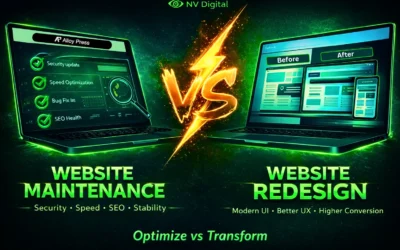
If you are not sure about the difference, you can read this simple guide on website maintenance vs redesign. It explains the difference in a clear and easy way.
What Most Blogs Won’t Tell You (Competitor Content Gaps)
After reading many top articles about this topic, a few important points are often missed.

Gap 1: Website Maintenance Also Affects Your Brand Image
Most articles only talk about SEO. But maintenance also affects how people see your business.
If a visitor sees a broken form or an SSL warning, they will not think the website needs maintenance. They will think the business looks careless or unprofessional. In a competitive market, this can make people leave your site and not buy from you.
Gap 2: Legal Rules Are Also Part of Maintenance
If your website collects user data like emails, payments, or cookies, you have legal responsibilities. Laws like India’s Digital Personal Data Protection Act and GDPR require clear privacy information and proper security. If your privacy policy is outdated, your cookie banner is not working or user data is not protected, it can lead to real legal problems and fines.
Gap 3: Third Party Tools Can Break Without Notice
Websites often use third party tools like payment gateways, analytics or social media widgets. These tools sometimes update their systems. When that happens, your website connection with them can stop working. Most businesses only notice this problem when a customer complains or when sales suddenly drop. Regular testing helps find these problems early.
Gap 4: Maintenance Is an Investment
Website maintenance is not just a cost. It protects your business. Spending a small amount on regular maintenance can prevent much bigger problems and expensive fixes later.
How Much Does Website Maintenance Cost?
The cost varies depending on your website’s complexity, traffic and the level of professional support required. Here’s a realistic breakdown based on U.S. market averages for 2026:
| Type of Website | Estimated Monthly Cost (USD) | What’s Included |
|---|---|---|
| Personal Blog / Portfolio | $5 – $75 | Hosting, domain renewal, SSL, basic plugin updates, uptime monitoring |
| Small Business Website | $200 – $1,000 | Everything above + content updates, SEO checks, security scanning, performance tuning |
| E-Commerce Store | $500 – $2,500 | Everything above + payment gateway checks, inventory updates, load testing, advanced security |
| Enterprise / Custom Web App | $2,500 – $5,000+ | Everything above + API monitoring, compliance audits, dedicated developer support, 24/7 uptime |
Where does this data come from?
We gathered these cost estimates from several trusted industry sources from 2025 – 2026, like WebFX, Gravitate Design, Website Setup, Elementor and Network Solutions. We checked and compared their numbers to give you the most accurate ranges for U.S. businesses. Costs can still vary depending on your CMS, hosting, number of pages and whether you do maintenance yourself or hire someone.
Looking at the real-world example above, it’s clear: keeping your site maintained is always cheaper than fixing problems later.
Frequently Asked Questions
Q: How often should a website be maintained?
A: At least once a month. Important tasks like backups and security scans should happen weekly or even daily using automation. Content updates and performance checks are best done monthly. A full technical audit should be done every three months.
Q: Can I maintain my website myself?
A: Yes, you can handle basic tasks like updating plugins, publishing content, and running backups. But for security, server optimization and technical SEO, most small business owners benefit from professional help. DIY works for bloggers, but business-critical sites need expert attention.
Q: What happens if I don’t maintain my website?
A: At first, you may not notice anything. Over time, your site can get slower, have security risks, broken features, lower search rankings and eventually lose customers. Fixing problems later always costs more than maintaining the site regularly.
Q: Is website maintenance the same as web hosting?
A: No. Hosting keeps your site online, like renting space on the internet. Maintenance keeps the site working properly, like taking care of the property inside. You need both, but they do different things.
Q: Does website maintenance help with SEO?
A: Yes. Google looks at page speed, mobile-friendliness, security (HTTPS) and fresh content when ranking sites. Regular maintenance improves all of these. Ignoring maintenance can make you lose the search visibility you worked hard for.
Q: What is the difference between website maintenance and redesign?
A: Maintenance is ongoing care, like updates, fixes, and security. Redesign is a full update of your site’s look, structure, or technology, usually every 3 – 5 years. Maintenance is continuous, redesign is occasional.
Final Thought: Regular Maintenance Saves You from Big Problems
Your website works for your business 24/7. It’s like your online store, your sales team and your reputation – all in one. But it only works well if it’s taken care of.
Website maintenance isn’t about making everything perfect. It’s about doing small, regular actions to prevent big, costly problems. Whether you do it yourself or hire someone, the most important thing is to keep maintaining it consistently.
What you should do right now:
- Start with the basics – Use a website maintenance checklist to check your site today.
- Know your site’s needs – Read our guide on website maintenance vs redesign to make the right choice.
- Hire help if needed – If you don’t have the time or skills, professional maintenance services are worth the small monthly cost they protect everything you’ve built.
Your website is a valuable asset. Take care of it.
0 Comments