

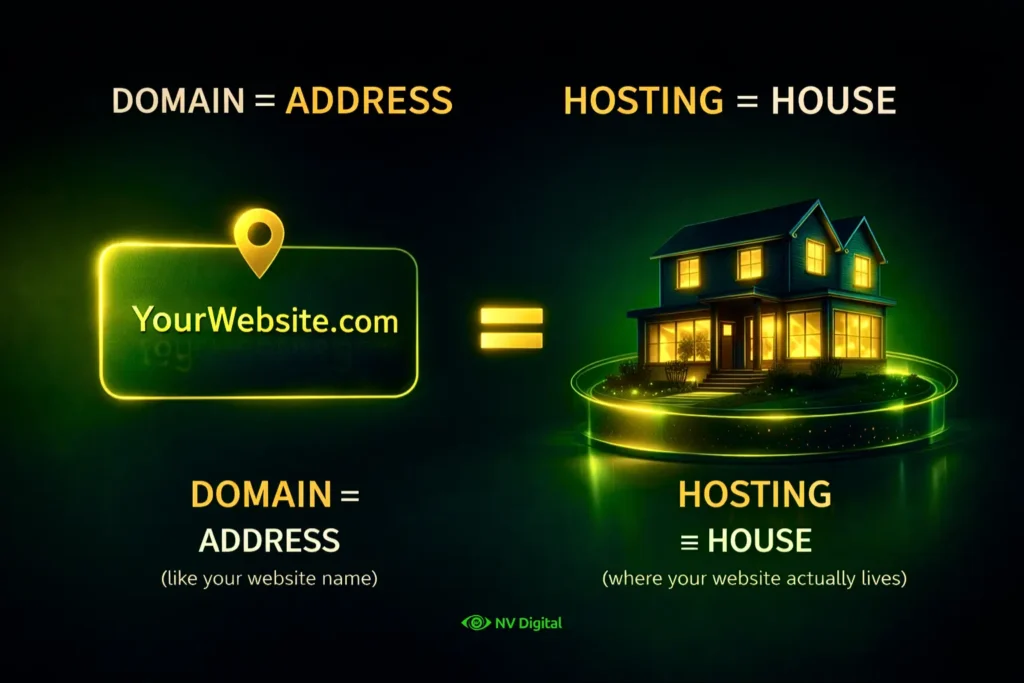
A website needs hosting because your files have to live somewhere online. When you create a website, it’s just files (images, text, code). Hosting is the place (server) where those files are stored so anyone can open your site anytime from anywhere.
Without hosting → Your website stays only on your computer, No one else can see it
With hosting → Your site is live on the internet, People can visit it 24/7
Table of Contents
How to Choose the Right Hosting for Your Website
Start simple and upgrade as your website grows
Choosing hosting doesn’t have to be confusing. If you’re just starting with a blog or a small website, shared hosting is more than enough to get things running. As your website starts getting more visitors and you notice it slowing down, that’s when moving to VPS hosting makes sense for better speed and performance. And if you’re running a serious business or getting high traffic daily, cloud or dedicated hosting is the right choice for stability and reliability. The key is not to overspend in the beginning, start simple and upgrade only when you actually need it.
Quick Overview: Hostinger vs GoDaddy vs Google Cloud at a Glance
Before we dive deep, here is a quick overview to help you see where each provider stands on the things that actually matter.
| Feature | Hostinger | GoDaddy | Google Cloud |
|---|---|---|---|
| Starting Price | $1.99/month | $5.99/month | Pay-as-you-go (~$5/month) |
| Renewal Price | $7.99–$25.99/month | $9.99–$24.99/month | No fixed renewal |
| Free Domain | Yes (1 year) | Yes (1 year) | No |
| Free SSL | Yes | Limited | Managed (paid/setup) |
| Storage | 20GB–100GB NVMe | 25GB–Unlimited | Scalable |
| Support | 24/7 Chat | 24/7 Phone & Chat | Paid support |
| Control Panel | hPanel | cPanel | Cloud Console |
| Best For | Beginners | Small Businesses | Developers |
| Uptime | 99.9% | 99.9% | 99.99% |
| Refund | 30 Days | 30 Days | No refund |
What We’ll Cover in This Blog
Before you pick any hosting, you need to understand what actually matters not just price or brand name.
In this blog, we’ll break down Hostinger, GoDaddy and Google Cloud in a practical way. You’ll see what each one offers, where they fall short and what kind of websites they actually suit.
We’ll also compare them directly on the things people care about performance, pricing, support, and ease of use. By the end, you’ll know which hosting makes sense for you and avoid wasting money on the wrong choice.
Best Web Hosting Service in 2026
Hostinger
Who Is Hostinger For?
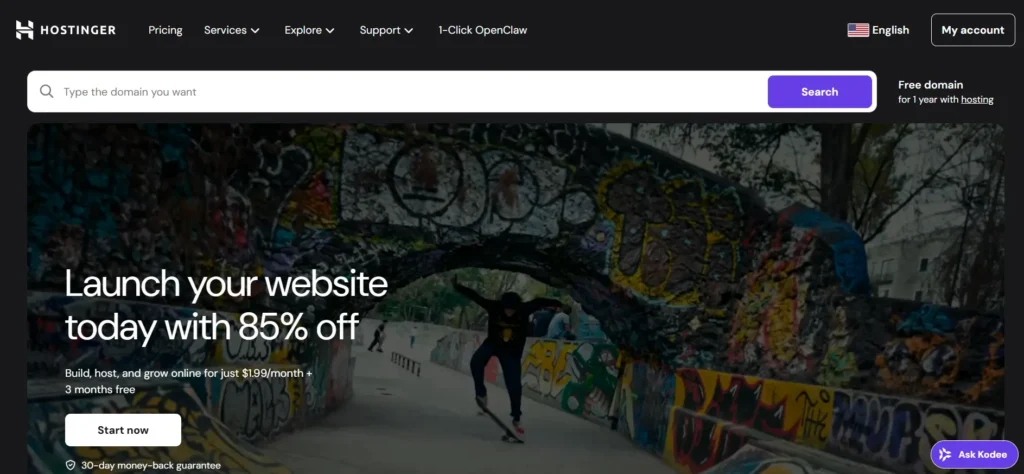
Hostinger is built for people who want good hosting at a low price and it actually does a decent job at that. If you’re a blogger, freelancer, small business owner or just starting your first WordPress site, Hostinger is a solid place to begin. It’s simple, affordable and gets the job done without confusion.
Pricing Breakdown (2026)
Hostinger looks very cheap at first, but you need to understand how the pricing really works.
The Premium plan starts at $1.99/month, but only if you pay for 4 years upfront. That’s around $95 today. After that, the renewal goes up to about $10.99/month.
The Business plan starts at $2.99/month with a similar long-term commitment. Renewal is around $16.99/month, but you get extra features like daily backups and better performance.
The Cloud Startup plan starts at $6.99/month on long-term plans, with renewal going up to $25.99/month. This is for websites that need more speed and dedicated resources.
What You Actually Get
Hostinger gives you free SSL for all domains, which is important because some providers charge extra for this. You also get a free domain for the first year on annual plans. Instead of cPanel, Hostinger uses its own hPanel, which is actually easier for beginners. Setting up WordPress, managing domains, and emails is simple and doesn’t feel complicated.
For WordPress users, you get features like automatic updates, caching for better speed and staging on higher plans. They also have an AI website builder, which can create a basic website in minutes. It’s not perfect, but it saves time if you don’t want to build everything from scratch.
Support Experience
Hostinger provides 24/7 live chat support, but there is no phone support. For basic issues like WordPress errors or domain setup, support is helpful. But during busy times, you might wait 15–20 minutes for a reply. More complex issues can take longer to resolve.
They also have an AI assistant for quick questions, but it’s only useful for simple stuff.
What Hostinger Does Well
Hostinger gives strong value for the price. You get good speed, useful features and free migration if you’re moving from another host. For beginners, everything feels simple and easy to manage.
Where Hostinger Falls Short
The biggest issue is the renewal price jump, it’s much higher than the starting price. There’s also no phone support, which can be frustrating if you prefer direct help. And it’s not ideal for advanced setups or handling payments directly on your server.
Final Take
Hostinger is a great starting point if you want something affordable and easy. Just don’t get fooled by the low starting price, understand the renewal cost and upgrade only when your site actually needs it.
GoDaddy

Who Is GoDaddy For?
GoDaddy is popular because people trust the brand. It’s been around for years and a lot of beginners pick it just because they’ve heard the name before.
It works best for small business owners who want everything in one place – domain, hosting, email and basic tools, all under a single dashboard. If you don’t want to deal with multiple platforms, GoDaddy keeps things simple.
Pricing Breakdown (2026)
GoDaddy is not the cheapest option and that’s something you should be clear about from the start.
The Economy plan starts at $5.99/month for a 3-year plan. It supports only one website with 25GB storage. Renewal goes up to around $11.99/month.
The Deluxe plan is $7.99/month and allows multiple websites with more storage. Renewal is about $13.99/month.
They also offer Managed WordPress hosting, starting at $5.99/month, which includes automatic updates and built-in security. For more control, VPS hosting starts at $8.99/month with dedicated resources.
What You Actually Get
GoDaddy uses cPanel, which is the standard control panel most people are familiar with. That makes it easier if you’ve used hosting before. You get a free domain for the first year, basic backups and a 99.9% uptime guarantee. They also include a trial for business email on some plans. They’ve also introduced an AI tool that can help create websites, content and branding but it comes at an extra cost.
Support Experience
This is where GoDaddy stands out. They offer 24/7 phone support, along with chat. This is a big advantage, especially if you’re not technical. Talking to a real person during a problem is much easier than waiting on chat.
Support is good for basic issues, but for more complex problems, it can take time to get proper help.
What GoDaddy Does Well
The biggest strength is convenience. Everything is in one place and it’s easy to manage. Phone support is a major plus, especially for beginners. And using cPanel makes things familiar and straightforward.
Where GoDaddy Falls Short
The main issue is pricing, you’re paying more for what you get. There are also a lot of upsells during checkout, which can increase your total cost quickly. Renewal pricing is higher and auto-renew is usually enabled by default. Performance is decent, but not better than cheaper competitors in the same category.
Final Take
GoDaddy is a good choice if you want everything simple and in one place and you don’t mind paying a bit extra for that convenience. But if you’re looking for better value for money, there are cheaper options that offer similar or better performance.
Google Cloud
Who Is Google Cloud For?
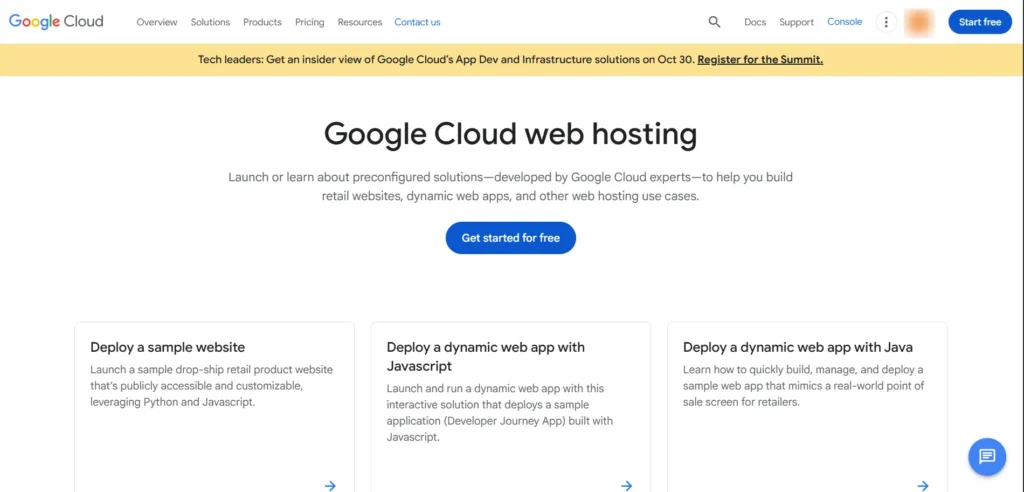
Let’s keep it real Google Cloud is not for beginners. If you just want to start a blog or small website this is too complex for you It’s built for developers high traffic apps and businesses that need strong performance and full control. You’re basically using the same infrastructure behind Google YouTube and Gmail That means top level performance but also more responsibility to manage everything yourself
Pricing Breakdown (2026)
Google Cloud doesn’t have fixed plans like other hosting services You pay based on what you use
A basic setup can start around $5 per month but a practical website setup usually costs around $20 to $50 per month depending on traffic and usage
You also pay separately for things like storage bandwidth and extra services The more traffic your site gets the more you pay The good part is there is no sudden renewal price jump The bad part is your bill can change every month.
What You Actually Get
Google Cloud gives you full control over your hosting. You get virtual servers storage CDN databases and advanced tools Performance is very strong and uptime is better than most traditional hosting. But everything is manual You need to set up your server install software manage security and handle updates yourself.
Support Experience
Basic support is free but it only helps with billing or documentation. If you want real technical help you have to pay extra Paid support starts around $29 per month and goes much higher for advanced support. So unlike other hosting providers help is not really included.
What Google Cloud Does Well
Performance and reliability are top level It can handle huge traffic without crashing. It’s also highly scalable. Your site can grow without needing to switch hosting. Security is strong and you get full control over everything.
Where Google Cloud Falls Short
It’s not beginner friendly at all. Setup is complex and takes time. Pricing can be unpredictable since it depends on usage. And paying extra for support is a big downside for small users.
Final Take
Google Cloud is powerful but it’s not for everyone. If you know what you’re doing and need performance it’s a great choice. But if you’re just starting it’s overkill and will only slow you down.
The Comparison That Actually Helps You Decide
Cost: Running a Single WordPress Blog
| Provider | Year 1 Monthly | Year 1 Total | Year 2 Monthly | Year 2 Total | 2-Year Total |
|---|---|---|---|---|---|
| Hostinger (Premium) | $1.99 | ~$24 | $7.99 | ~$96 | ~$120 |
| GoDaddy (Economy) | $5.99 | ~$72 | $9.99 | ~$120 | ~$192 |
| Google Cloud (Basic VM) | ~$25 | ~$300 | ~$25 | ~$300 | ~$600 |
Bottom line: For a simple blog, Hostinger saves you roughly $480 over two years compared to Google Cloud and about $72 compared to GoDaddy.
Speed and Performance
Hostinger and GoDaddy use shared hosting, which means your website shares the server with other websites. Hostinger is a bit faster because it uses LiteSpeed servers and NVMe storage. Google Cloud gives you a dedicated server, so no one else shares its resources. But for small blogs or websites with less than 50,000 visitors per month, the speed difference is tiny, your visitors won’t notice.
Ease of Migration
Moving your website to a new host is easy with Hostinger, they do it for free and handle everything. GoDaddy gives free migration only if you use managed WordPress plans. For other plans, you might need to do it yourself or pay someone. Google Cloud does not help with migration, so you have to do it yourself or hire a tech expert.
Security
Hostinger gives free SSL, a malware scanner and basic protection against attacks. GoDaddy only gives free SSL on higher plans and extra security costs money. Google Cloud has strong security but you have to set it up yourself. For most people, Hostinger gives the best security without extra cost.
Who Should Pick What
If you’re a first-time blogger on a tight budget, Hostinger Premium is the best choice, it’s cheap at $1.99/month, easy to set up, and comes with a free domain. Local business owners who want phone support should go with GoDaddy, so you can call and get help from a real person. For big ecommerce stores with 50,000+ visitors, Hostinger Cloud Startup offers dedicated resources and priority support at a good price. Developers building custom web apps will find Google Cloud the best fit because it’s flexible, scalable, and works well with Google’s AI tools. Agencies managing 50 or more client websites will benefit from Hostinger’s agency plans, which support up to 100 sites for $23/month, cheaper and easier to manage than GoDaddy or Google Cloud. Finally, if you need a website with almost zero downtime, Google Cloud is the top choice, offering 99.99% uptime and financial compensation if anything goes wrong.
FAQ’s
Which hosting is best for WordPress in 2026?
For most WordPress users, Hostinger is the best mix of performance and price. Their managed WordPress hosting comes with automatic updates, LiteSpeed caching and a staging environment. If you need enterprise-level reliability, Google Cloud with a managed WordPress service like Cloud ways is the premium option.
Is GoDaddy hosting good for beginners?
Yes, GoDaddy is beginner-friendly thanks to its all-in-one platform and phone support. But Hostinger is just as easy for beginners, with a simpler dashboard and much lower prices. The only reason to pick GoDaddy over Hostinger is if you specifically want phone support.
How much does Google Cloud cost per month for a website?
A basic WordPress site on Google Cloud usually costs $25–$50 per month, including a small VM, storage, networking, and a static IP. Costs go up as traffic increases, high-traffic sites can easily reach $100–$500 per month or more.
What is the cheapest web hosting in 2026?
Hostinger’s Premium plan at $1.99 per month (with a 48-month commitment) is the cheapest reliable option. Free hosting services like 000webhost exist but come with serious limits on speed, storage and branding.
Does Hostinger have cPanel?
No. Hostinger uses its own control panel called hPanel. It has all the same features as cPanel but looks different. Beginners usually find it easier to use, while experienced users might prefer cPanel.
Can I switch hosting providers later?
Yes. Most hosts offer migration services. Hostinger provides free unlimited migrations, which usually take 24 – 48 hours with no downtime. Moving email accounts can be trickier, though.
Is shared hosting enough for an ecommerce store?
For small stores with fewer than 1,000 products and under 10,000 monthly visitors, shared hosting like Hostinger Business or GoDaddy Deluxe works fine. Bigger stores or sites handling sensitive payment data should go for Cloud hosting or a VPS for better speed and security.
Why are hosting renewal prices so much higher?
Introductory prices are a way for hosting companies to attract new customers. Renewal prices reflect the real cost of running the service. To save money, buy the longest initial term possible to lock in the low price.
What is the difference between shared hosting and cloud hosting?
Shared hosting puts your site on a server with hundreds of others, sharing CPU, RAM and storage. Cloud hosting gives your site dedicated resources from a network of servers, making it faster and more reliable but also more expensive.
Do I need a dedicated IP address?
Most websites don’t need one. Shared IPs work fine. A dedicated IP is useful for ecommerce sites, specific SSL setups or direct IP access. Hostinger’s Cloud Startup plan includes a dedicated IP. GoDaddy and Google Cloud offer them as paid add-ons.
Conclusion: Which Hosting Should You Pick?
Hostinger is the best choice for most people, beginners, bloggers, small businesses and freelancers. It’s cheap, reliable, fast, easy to use and includes free migrations. The only downside is no phone support.
GoDaddy makes sense if phone support is important. Their 24/7 support and all in one platform are good for small businesses that want help on demand but it costs more.
Google Cloud is for developers or technical teams who need enterprise grade infrastructure, global reach and 99.99% uptime. It’s not traditional hosting, it’s cloud infrastructure.My advice: Start with Hostinger. Lock in the long term price, launch your site and learn your hosting needs. If you outgrow shared hosting, you can upgrade to Hostinger Cloud or move to Google Cloud. The key is to start, don’t overthink and build your site, you can always upgrade later. The only real mistake is not launching at all.
Related Reading
Website Maintenance Checklist: Keep Your Site Running Smoothly (2026 Guide)
Importance of Website Maintenance: for Business Growth (2026 Guide)
0 Comments